


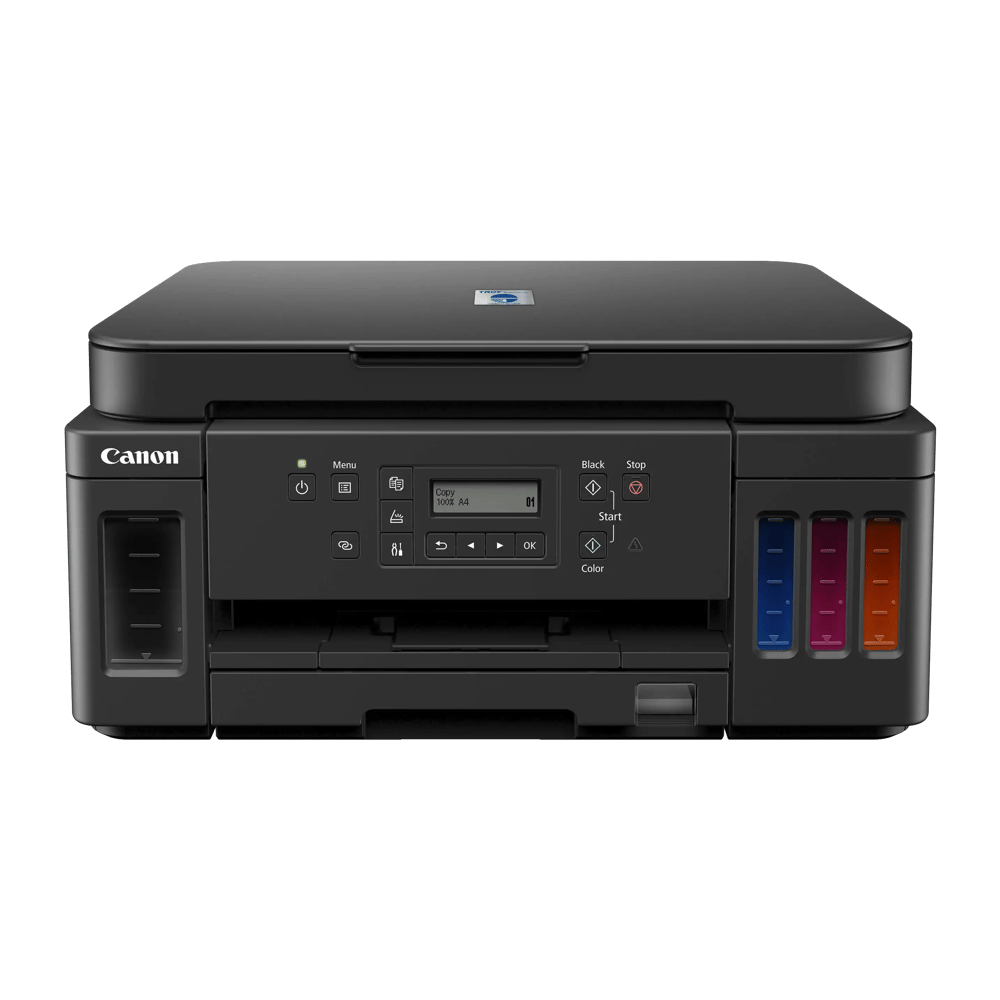
TROY T6020 MICR
Printer Setup and Installation*
STEP 1: Register Your Printer
Register your printer to get free access to the TROY support team.
STEP 2: Download Installation Guide & Print Driver
Compatible with Windows 7, Windows 8, Windows 10, Server 2008, Server 2012, and Server 2016.
STEP 3: Download The purge file
Download the purge file, fill your TROY T6020 MICR printer with ink, and print 300 pages.
STEP 4: Request the TROY MICR Font
Warning
*TROY MICR Ink is to be used with the TROY T6020 MICR Printer. We do not recommend TROY MICR ink be used in a Canon® G6020.
Need Assistance Completing Your Product Installation?
Contact Technical SupportJoin our newsletter to stay up to date on features and releases.
Loading form...